
Contact Us
Contact us Home / Contact We’re here to help you secure your home or business with trusted protection. Act Now…
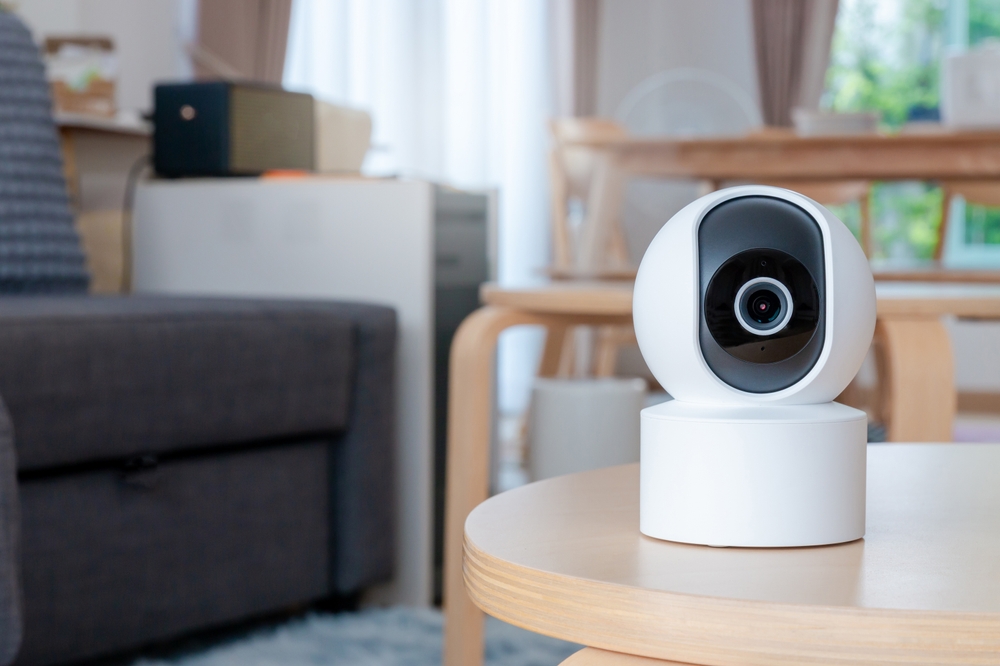
One of the most common issues is when your CCTV camera displays a black screen or “No Video Feed.”
Possible reasons
Loose connectors
Faulty wiring
Damaged power supply
Camera lens failure
DVR/NVR malfunction
Solution
Check the power cable and video cable connection. If the issue continues, you need a professional CCTV technician in Delhi to inspect the wiring or replace faulty parts.
.
IR LEDs help the camera record in low light, but sometimes the night vision becomes blurry or completely dark.
Causes
Dust or dirt on the lens
IR LEDs not turning on
Low power supply
Camera placement too close to light sources
Fix
Clean the lens and check for reflection issues. If IR lights still don’t work, your camera may need CCTV night vision repair or replacement.
If your DVR is not recording, your footage is not being saved—this is a major security risk.
Reasons
Faulty hard disk
Full storage
Wrong recording settings
Loose SATA cable
DVR software issue
Fix
Restart the DVR, check recording mode, and make sure the hard disk is functioning. If still unresolved, book DVR repair in Delhi.
Blurry video reduces the effectiveness of your CCTV system.
Causes
Out-of-focus lens
Dirty camera dome
Faulty camera sensor
Poor quality wiring
Wrong angle positioning
Fix
Clean the camera and adjust the focus ring. If image quality remains poor, consider replacing cables or upgrading to HD cameras
If your video feed flickers, flashes, or shows interference lines, it may indicate an electrical or wiring problem.
Causes
Loose connectors
Power supply fluctuation
Poor-quality BNC cables
LED lights interference
Fix
Replace low-quality cables and ensure stable power. A technician can identify electrical issues and perform safe repairs.
A beeping DVR usually indicates a hardware warning.
Possible reasons
Hard disk failure
Overheating
Loose SATA cable
Low power
Fix
Check ventilation and reconnect cables. If the beeping continues, your DVR needs professional inspection.
Remote viewing is essential for home and business security. But sometimes the footage doesn’t appear on your phone.
Reasons
Internet issues
Wrong port forwarding
Offline DVR
Expired cloud service
Wrong device ID or IP
Fix
Restart your router and DVR. Re-scan the QR code in the app. If you still can’t view footage remotely, get CCTV remote viewing setup assistance.
Sometimes cameras work in the daytime but stop recording at night.
Reasons
Insufficient lighting
IR light failure
Wrong recording schedule
Hard disk error
Fix
Enable 24×7 recording in the DVR settings or adjust motion detection sensitivity.
When the entire system stops working, it usually indicates a major power or equipment issue.
Causes
Burnt power supply
Lightning or voltage surge
Damaged DVR motherboard
Major wiring fault
Fix
Switch to a new adapter or power supply. If the problem persists, hire an emergency CCTV repair service in Delhi.
Most CCTV issues happen due to dust, loose cables, outdated software, or power fluctuations. With a CCTV AMC in Delhi, you receive:
Regular system inspection
Camera cleaning
DVR/NVR optimization
Wiring testing
Fast repair response
Priority support
This ensures your CCTV system works smoothly throughout the year.
Contact a professional CCTV repair expert if you notice:
Cameras going offline
DVR not storing footage
Video flickering
Network failure
No night vision
Motion detection not working
Multiple blind spots
Trained technicians diagnose the issue, replace faulty parts, and restore your system quickly.
Contact us Home / Contact We’re here to help you secure your home or business with trusted protection. Act Now…
Complete Guide to CCTV Installation Cost in Delhi (2025): Prices, Packages & What to Expect Lockdown March 26,2025 Lockdown March…
Top 10 Common CCTV Camera Problems and How to Fix Them (Complete Guide for 2025) Lockdown March 26,2025 Lockdown March…
We provide smart, reliable security solutions to keep your home and business protected.
72488 95469